

Site inspection
Customer access and time on site
09:00–10:0045-minute service duration
Time window

For service teams and field operations
Unlike a navigation app, Flowtlas plans which crew takes which customer visit, and in what order, around time windows and time on site. See which visits did not fit, and why, before the day starts.
No prepared dataset needed. Set individual visit durations in the guided workflow.
Compare plans from €29 per planner per month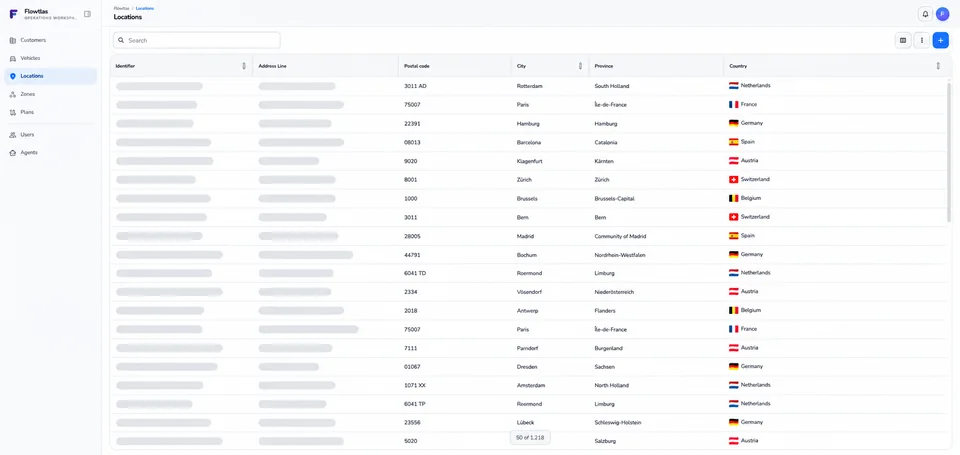 Flowtlas /Workflow explorer
01 / A WORKED EXAMPLE
Explore the example in four steps.


Next: a fictional inspection, pickup, delivery and specialist visit.
Prepare your inputs02 / THE PLANNING BRIEF
These inputs define our example.
Illustrative planning brief with fictional data, not product UI
Customer access and time on site
Pickup and delivery stay on one tour
Crew eligibility is a real requirement
A hard constraint is not a preference. Keep required skills, load limits and customer windows intact.
The specialist visit will need a separate decision.
Understand visit rules03 / THE SEQUENCE
Follow the steps shown below.
Illustrative sequence, not a computed route or product UI
04 / Specialist service is reviewed in the next step.
Travel and working time still need validation. Generation depends on enabled functions, inputs and search settings.
Explore route planning04 / MAKE EXCEPTIONS VISIBLE
Review the reason before changing a requirement.
Illustrative review with fictional data, not a calculated plan
This example explains a decision; it does not calculate a route.
Discuss your visitsWhich constraints must a route respect? Define them here as the basis for assignment.
Flowtlas combines customer opening hours, travel, service duration and crew working periods. That leaves room for the job itself as well as the journey.
Explore availability planningRecorded pickup and delivery quantities change the load along each tour. Flowtlas checks them against vehicle limits and keeps connected stops in order.
Explore pickup, delivery and capacity rulesRecorded qualifications and availability determine which crews are eligible. Task rules define the order of linked work; skill records remain your responsibility.
Understand crew eligibility and visit rulesUse dated working periods, start and end locations, and explicit overnight stops. A final depot destination alone does not require a return every evening.
Explore multi-day routingIn this example, the visit finishes at 09:15.
Use the plan analysis to assess the scheduled work and the effort behind each tour.
Start with the returned reasons. An open job alone does not prove it is impossible; the inputs and search settings also matter.
Understand unassigned work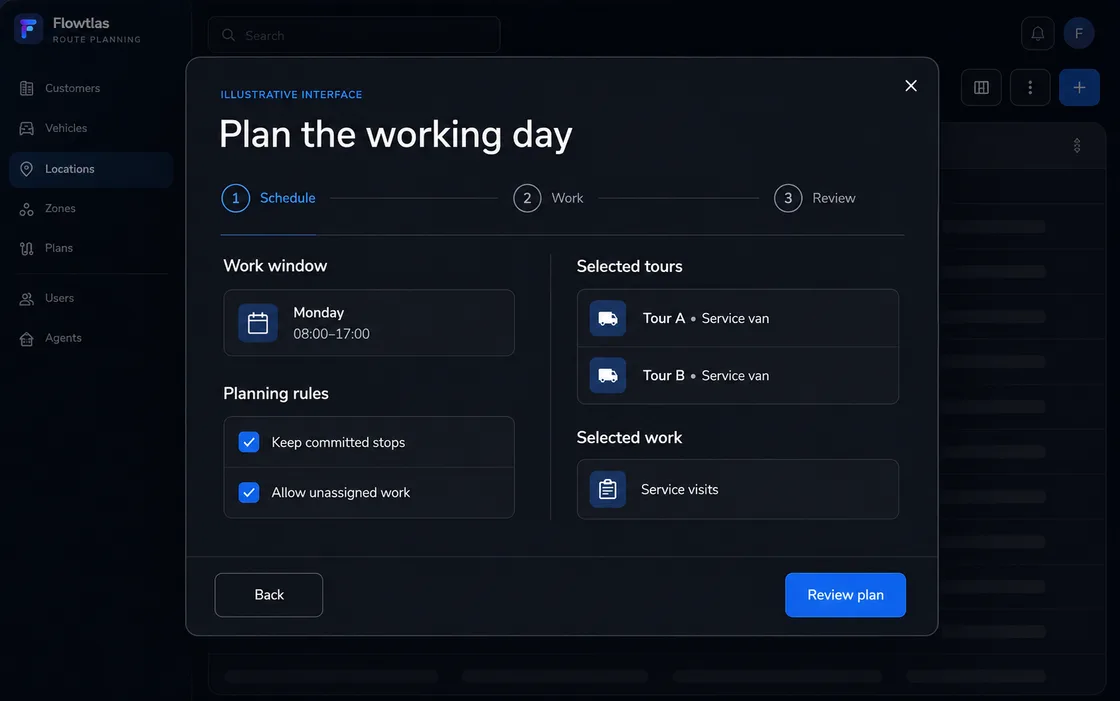
Distance
How many kilometres does the plan involve?
Understand route optimizationDriving time
How much of the day is spent travelling between stops?
Explore route planningService time
How much time is allocated to the work at customer sites?
Explore availability planningReview customer and service imports before planning. Check missing or rejected rows.
Customer and service dataAgree who prepares jobs, reviews routes and has access to the workspace.
Team access and permissionsUpdate jobs or availability, start a new calculation and review the revised plan.
Route replanningFor maintenance, inspections and technical service across changing customer sites.
Plan service visitsFor equipment transfers, collections and deliveries between several locations.
Explore pickup and delivery planningFor recurring store checks and visits across a network of sites.
Plan retail and site visitsCompare depot returns, a stop at accommodation and continuing from the previous day.
Read the overnight guideWork through a diagnostic example step by step.
Read the diagnostic guideUnderstand where same-tour rules end and cross-vehicle coordination begins.
Read the skills and dependencies guideNavigation guides a driver along a route. Flowtlas addresses the dispatch decision beforehand: who takes which jobs and in what order.
Yes, through individual jobs in the guided workflow. Quick planning currently uses a fixed five minutes per visit.
Customer and service records can be imported. Check the result for missing or rejected rows; an import does not establish ongoing CRM synchronization.
Available functions and setup are agreed with Flowtlas. Discuss access and configuration .
ROUTE PLANNING FOR SERVICE & DELIVERY
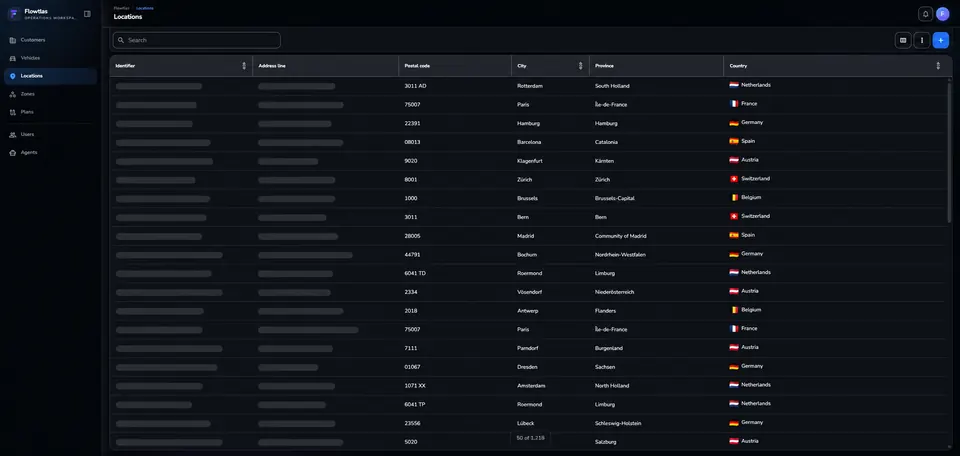
A long list of locations can make the day hard to organize. Flowtlas helps dispatch turn it into a structured plan.
Tell us what your team plans and where it gets difficult. We’ll discuss fit, available functions and the next step. You can prepare an anonymized example later.
Discuss your route planning