

Meet Flowtlas
Getting started: bring a planning problem worth solving
You do not need a perfect dataset to begin a useful planning discussion. You do need a clear operational question and enough trustworthy information to explore it. Start small, preserve the rules that matter and make uncertainty visible instead of hiding it behind a polished demonstration.
 Flowtlas Getting started4 min read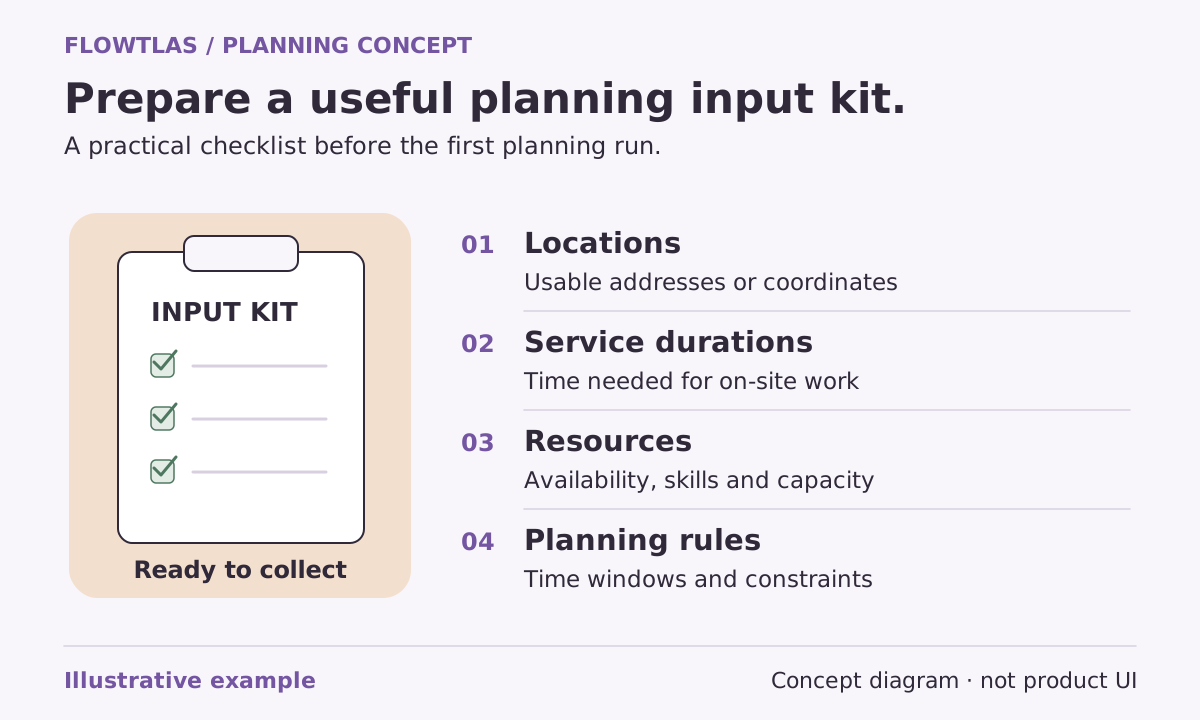
The short version
A representative scenario and clear acceptance criteria are more useful than a large, unexplained data export.
Choose the decision you want to improve
Describe a planning difficulty in everyday language. Perhaps appointment windows are hard to reconcile with service durations, collections compete for vehicle space, or regional work spills across working days. Pick a scenario the dispatcher recognizes and identify the decision a successful evaluation should help them make.
Avoid beginning with an unsupported savings target. Flowtlas’s data guide recommends a small realistic example and like-for-like comparison. Any claim about saved time or distance needs a measured baseline using the same work, resources, constraints and travel assumptions. [7]
Bring a compact, explainable set of inputs
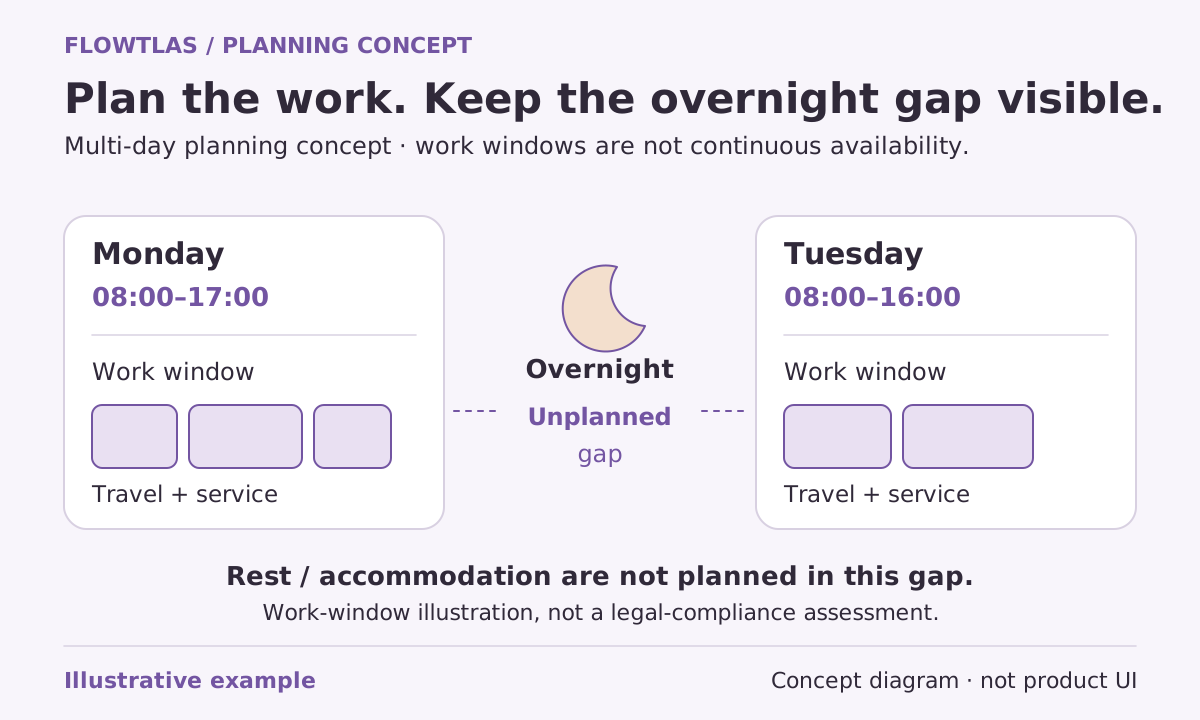
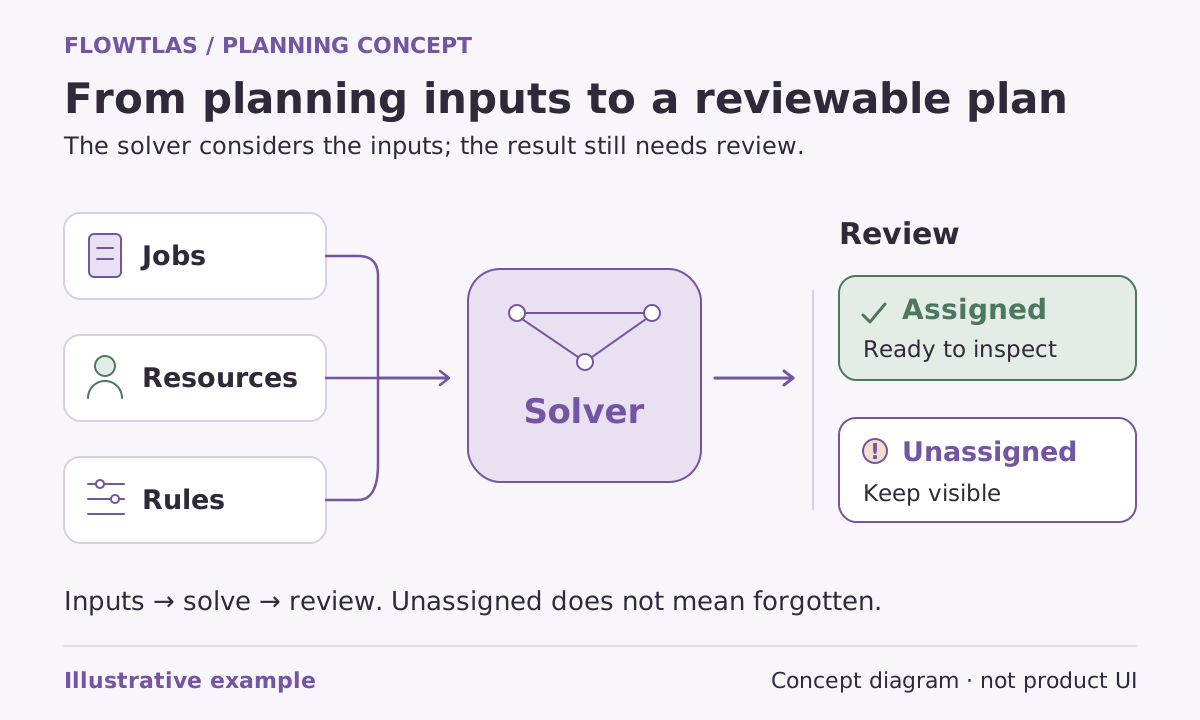
Prepare locations, task identities, expected service durations, visit windows and available vehicles and people. Include relevant capacity, supplied skills and the rules that cannot change. Use synthetic or appropriately sanitized information when sharing a demonstration; the point is to preserve planning structure, not expose unnecessary customer or employee details. [7]
Include an awkward but normal case, not only easy visits. A narrow appointment or a job that needs a particular resource can reveal more about fit than a larger collection of interchangeable stops. Mark uncertain fields so the discussion can distinguish missing data from a genuine planning conflict.
| Bring | Make clear |
|---|---|
| Representative work | Locations, durations, windows and ordered stops |
| Available resources | People, vehicles, work periods and relevant limits |
| Operational rules | Hard requirements and authorized flexibility |
| Current comparison | The work and assumptions behind the baseline |
Identify who can answer the difficult questions
Bring dispatch knowledge into the conversation early. Someone needs to explain why a customer window exists, which service estimates are reliable and whether a resource requirement is genuinely mandatory. If different systems own those records, identify an owner for each rather than assuming the planning tool will reconcile disagreements.
Also define who can approve changes. Rescheduling an appointment and correcting a mistaken timestamp are different actions. Keep the approval path clear so a promising alternative is not mistaken for an operational commitment before the responsible person has reviewed it.
Decide how you will judge the scenario
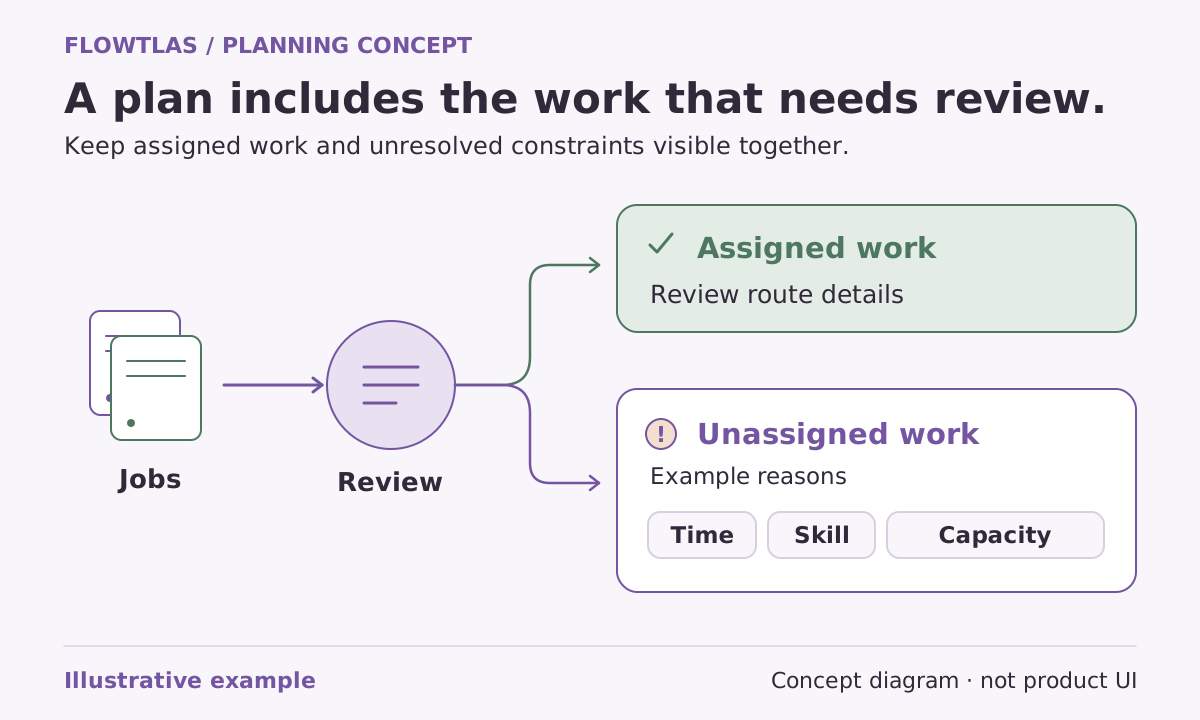
Review task coverage first, then assignments, timing estimates and exceptions. Record any input changes between attempts. The Flowtlas checklist recommends recording planning engine version, search budget, runtime and unassigned work for comparisons. This makes an evaluation explainable and prevents a changed brief from masquerading as an improvement. [7]
Write acceptance criteria in operational terms: the right resources are assigned, genuine appointment promises remain intact, load inputs are consistent and unresolved work has an owner. A visually neat route or complete status should not replace those checks.
Confirm the available workflow before relying on it
Discuss the scenario with Flowtlas and confirm enabled product functions, generation availability and required integrations for your workspace. The published capabilities describe a planning model; they are not a promise that every workflow is available in a particular deployment. [1]
Leave the discussion with clear responsibilities: who prepares data, who supplies any recorded operational state, who reviews results and which questions remain unresolved. This preparation path is not a self-service signup or release tutorial. It is a way to reach a grounded decision about whether the available workflow fits your operation.
Take it into your next planning session
Practical checklist
- State the operational decision in plain language.
- Prepare representative, sanitized work and resource data.
- Include difficult normal cases and flag uncertain inputs.
- Agree acceptance criteria and a like-for-like baseline.
- Confirm available functions, integrations and review ownership.
A practical starting point
Take the preparation kit.
Use these files to organize a planning conversation. The CSV contains fictional sample visits; it is not an app import specification.
Product references
These Flowtlas pages explain the planning model. Confirm enabled functions and integrations for your workspace before relying on a workflow.