


Meet the Flowtlas platform
Route planning.
With the whole job in view.
Bring time windows, skills, capacity and multi-day assumptions into your planning workflow. Review assignments, timing and work that needs attention — with the resources and data behind each decision.
Plan generation and AI tools depend on your workspace setup. Confirm enabled functions with Flowtlas.



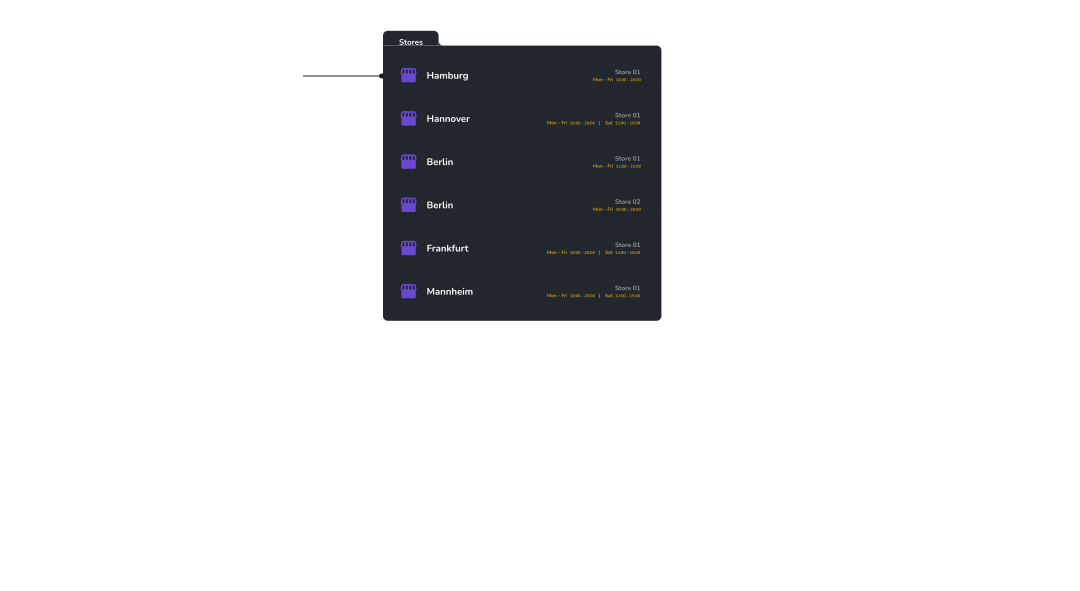
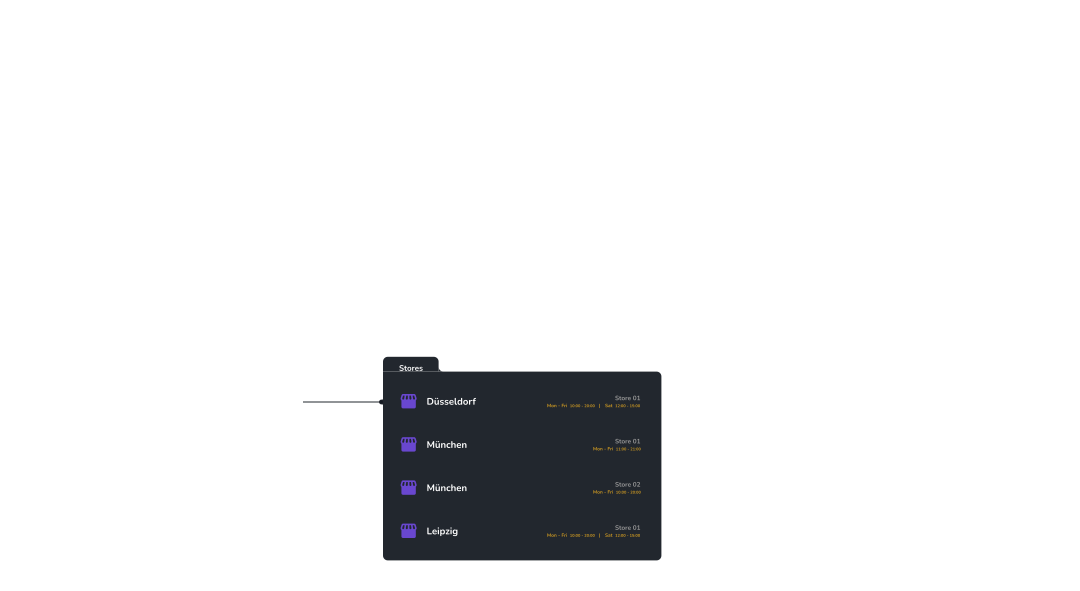
Organize customer addresses, access windows, service durations, and fleet capacity before optimization.
01 / Your planning workspace
Plan for the time each visit really takes.
Set on-site time and working hours in the planner. Review computed routes, visit assignments and reasons for unassigned visits.
- Choose visits and available tours before calculating
- Check driving time, on-site time and unassigned reasons
- Reopen saved plans to review the result
Scope & availability
Calculation must be enabled. Quick planning uses five-minute visits. The shared editor is separate from computed routes; a complete plan is not proof of optimality.
Workflow concept · not product UI
Inputs → Planning request → Reviewable results
Prepare
Choose visits
Select tours
Review the request
Review
Assigned visits
Timing & distance
Unassigned reasons
02 / Your network
Keep customer locations ready for the next visit.
Save customer locations with opening times and unavailable periods. Reuse those details instead of entering addresses for every plan.
- Link several locations to one customer
- Import locations and check skipped rows
- Check addresses on the map before planning
Scope & availability
A saved location is not yet a job. Review import errors before retrying affected rows; file imports do not continuously sync your CRM or ERP.
 Inside Flowtlas · Services
03 / Your resources
Choose crews and vehicles suited to each visit.
Prepare suitable crews and vehicles for each visit. Account for skills, capacity, absences and maintenance when choosing availability.
- Match vehicle capacity to the work
- Record crew skills and vehicle assignments
- Set working limits and unavailable periods
Scope & availability
Capacity units and skill names must match job requirements. Skill records do not verify qualifications or legal compliance; a crew record does not grant app access.
Illustrated resource model
Vehicles
Capacity & travel profiles
Equipment & unavailable periods
Crews
Skills & working limits
Planning eligibility
04 / Your service areas and zones
Connect service areas with trusted position events.
Group customer locations into service areas, configure spatial zones and evaluate trusted positions for supported operational subjects.
- Draw service areas and spatial boundaries
- Evaluate configured position sources
- Record entry, exit, dwell and speed events
Scope & availability
Geographic groups do not automatically restrict planning. Geofence events depend on configured subject types, trusted position sources, update frequency and retention settings.
Conceptual territory illustration
05 / Your operational evidence
Capture reliable proof when work is completed.
Use configured completion profiles for inspections and proof of delivery. Validate submitted evidence and keep it connected to the operational workflow.
- Configure and publish completion profiles
- Collect validated fields and supporting files
- Review finalized proof and completion reports
Scope & availability
Available completion subjects, field types, validation rules, file storage and report sections depend on workspace configuration and enabled workflows.
Illustrated completion flow
Completion profile
Configured fields, validation rules and supporting files.
Submitted proof
Inspection or delivery evidence retained with its workflow context.
Completion report
Finalized evidence available for configured operational review.
06 / Your assistant
Get help with the next planning question.
Ask a configured assistant to explain unassigned work. Get guidance to check saved locations or set up a vehicle.
- Ask about work left out of a plan
- Get guidance while preparing planning data
- Review changes when approval is requested
Scope & availability
Assistants and saved workflows need configuration. Actions depend on mode, enabled tools and your permissions; unrestricted autonomous operation is not offered.
Illustrative guided workflow
A workflow your team can follow.
- 01Select a saved workflow
Defined by your workspace owner.
- 02Get guidance in context
Relevant steps and existing controls.
- 03Take the next action
Within your available permissions.
07 / Your team
Decide who can view plans and who can edit.
Give team members the access their jobs require. Separate viewing from editing permissions, and app accounts from crews assigned to tours.
- Manage who can access the workspace
- Assign roles for viewing or editing
- Review permissions when responsibilities change
Scope & availability
Contact Flowtlas to confirm access and enabled functions. No instant public registration or self-service trial is implied.
Illustrated access model
The right permissions.
Not one shared login.
Extend your workspace
Add capabilities around the plan.
Extensions connect additional customer, business and operational workflows to a Flowtlas workspace. Availability and configuration depend on your workspace.
Agents
Flowtlas · Automation
Use configured AI agents, conversations and guided workflows inside a Flowtlas workspace.
Explore AgentsCommerce
Flowtlas · Business
Connect B2B products, pricing, quotes, checkout and orders to a Flowtlas workspace.
Explore CommerceCustomer Portal
Flowtlas · Customer experience
Offer secure customer self-service for visits, services, documents, support and account access.
Explore Customer PortalDesigner
Flowtlas · Platform
Create structured forms, documents and messages with visual authoring tools.
Explore DesignerDeveloper Platform
Flowtlas · Platform
Integrate through versioned APIs, credentials, events and webhooks.
Explore Developer PlatformFinance
Flowtlas · Business
Support double-entry accounting, invoicing, payments and financial reporting.
Explore FinanceWarehouse Management
Flowtlas · Operations
Coordinate inventory, warehouse execution, fulfillment and scanner-first operations.
Explore Warehouse ManagementExtension access is workspace-specific and may require additional configuration.
Discuss extensionsStart with your operation
Bring your visits. We’ll explore the fit.
Use a representative visit list, your available crews and the rules that matter. Confirm the product workflow and integrations with Flowtlas.