

Practical planning notes
Why jobs remain unassigned—and what to check next
Unassigned work deserves attention, but not panic or a quick deletion of inconvenient rules. It may reveal missing information, a genuine resource shortage or a search that did not find a suitable arrangement. The useful next step is to identify which kind of question you need to investigate.
 Flowtlas Operations4 min read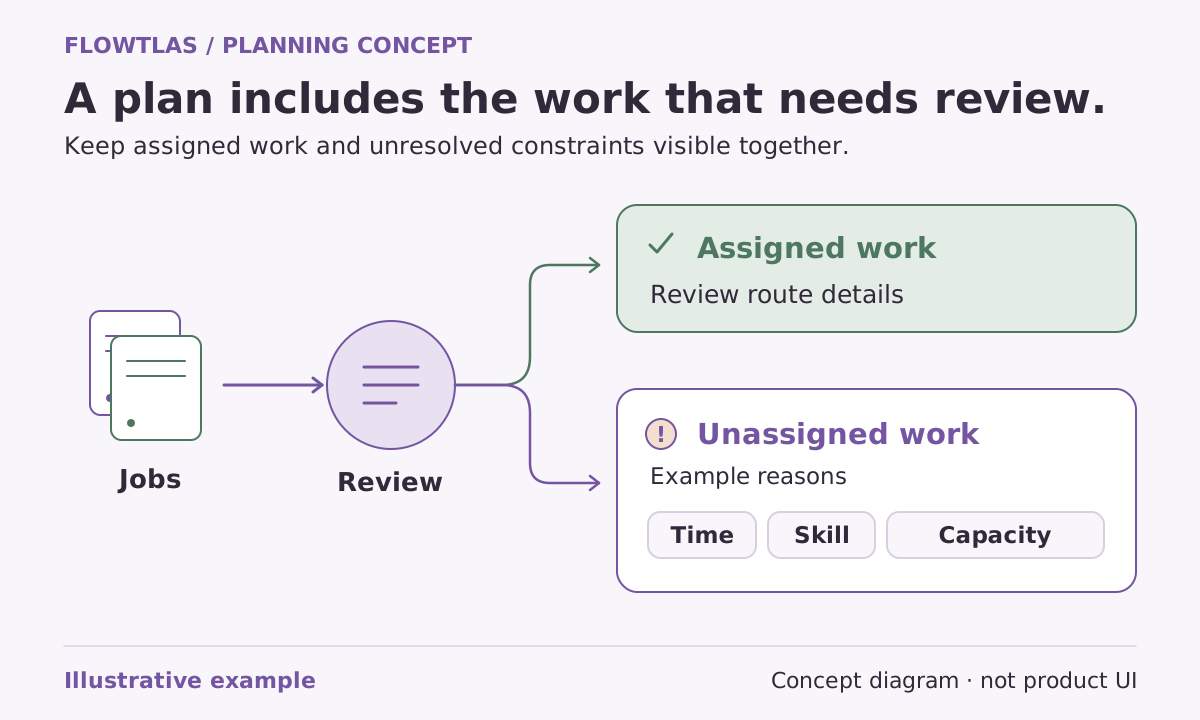
The short version
Treat an unassigned job as a diagnostic starting point, not permission to weaken a real requirement.
First establish what the result actually says
Check the scope of the request and the work included before interpreting its status. Flowtlas describes complete coverage as coverage of active tasks in the returned result, not proof of global optimality. A complete status therefore answers a coverage question; it does not certify that the underlying business information was complete. [5]
Likewise, NoSolutionFound means the bounded search did not find a solution. It does not establish impossibility. Review inputs, constraints and search budget, and distinguish this outcome from an infeasible result based on an established hard contradiction. Avoid giving a customer a definitive operational explanation that the result does not support. [7]
Check the job record before changing the plan
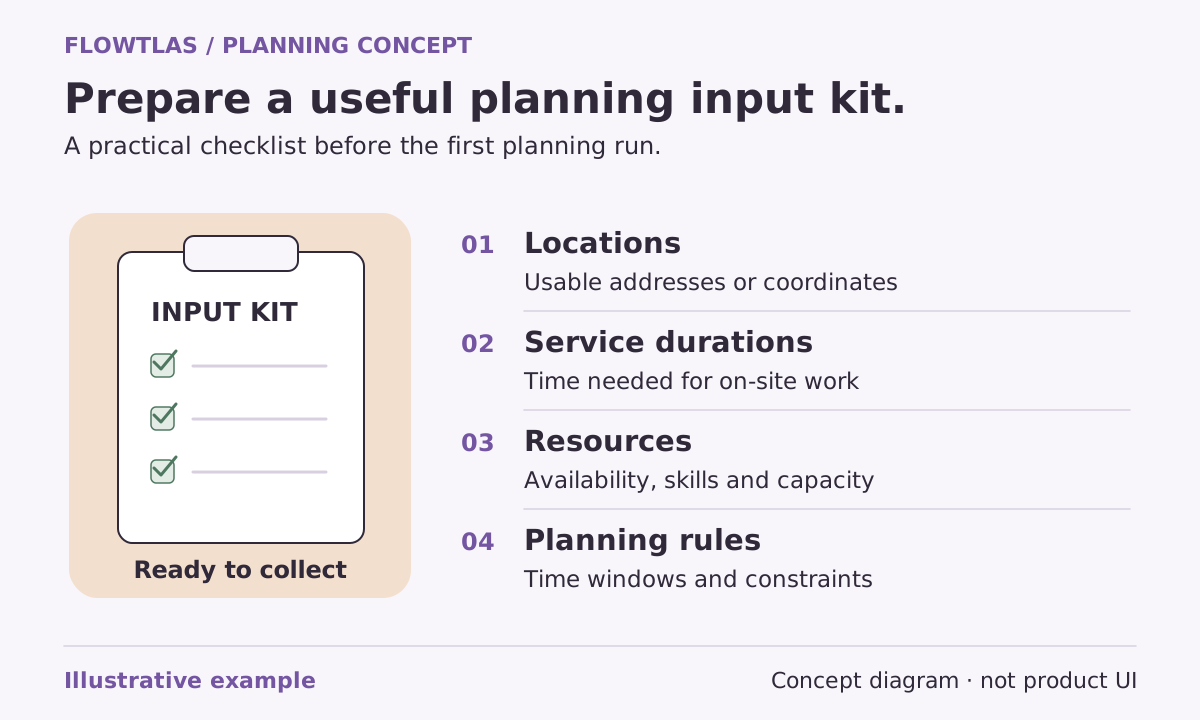
Trace the unassigned task back to its source. Confirm the actual service location, expected duration, visit window and required resources. Check whether the job was intentionally required or optional. Look for a transcription error or outdated record before concluding that the operation needs a different vehicle or a longer shift.
Then inspect the resources selected for this request. A qualified team elsewhere in the organization does not help if it is unavailable or outside the planning scope. Keep a note of what you verified and what remains uncertain, especially when several people maintain different parts of the data.
Use reported reasons to direct the investigation
Flowtlas exposes diagnostic categories including no eligible tour, capacity, time window, route infeasibility, agent rejection and invalid live state. They guide investigation but do not necessarily isolate every conflicting requirement. Several constraints can interact, so a category should lead to a check rather than an automatic conclusion. [5]
| Reported area | Useful next check |
|---|---|
| No eligible tour | Are the required resources selected and actually available? |
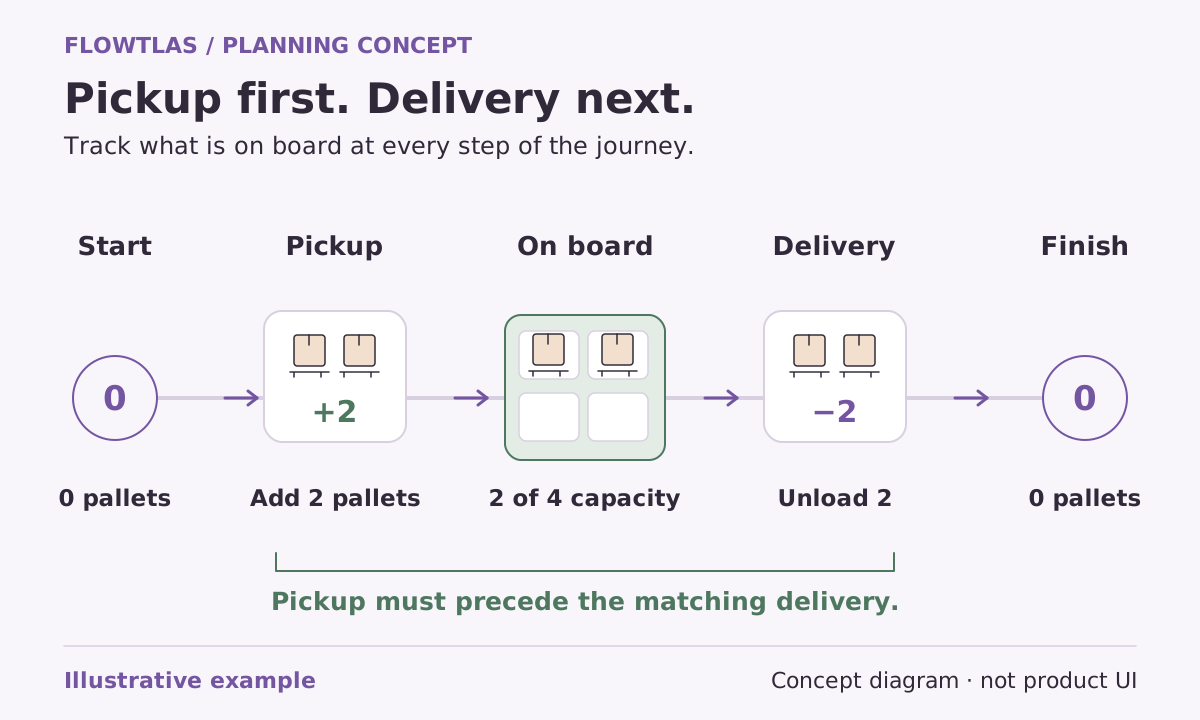
| Capacity | Are units, starting load and stop changes correct? |
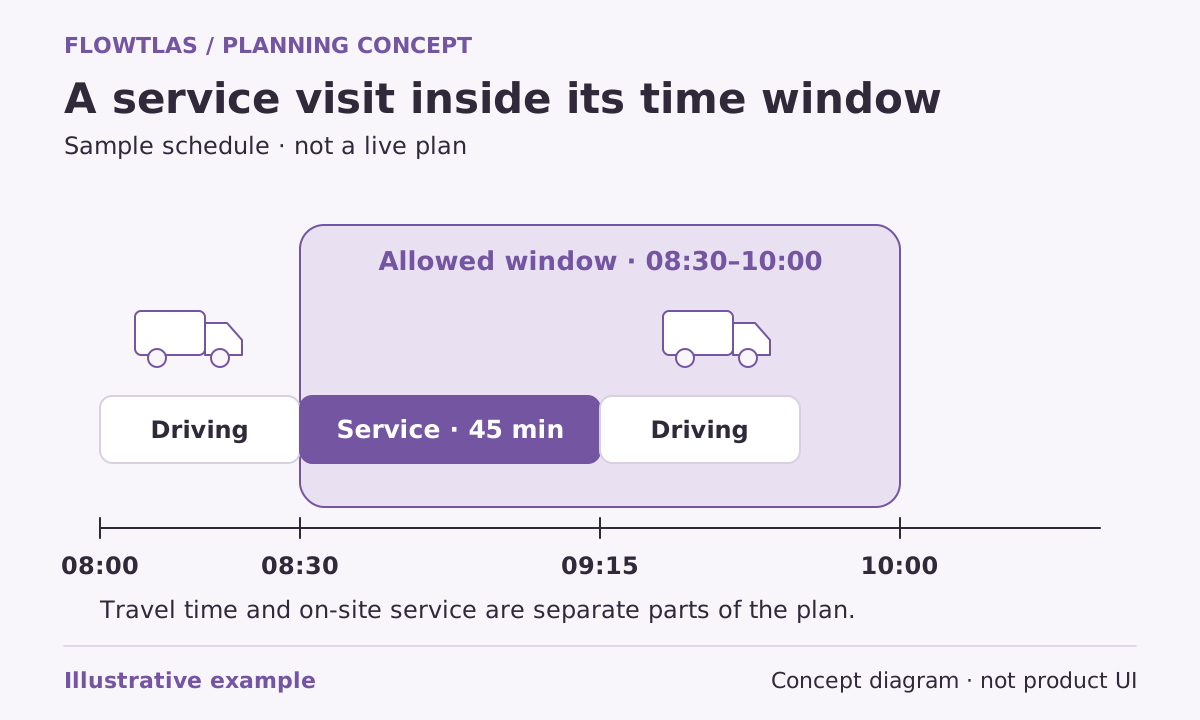
| Time window | Do service, travel and working periods fit the real promise? |
| Route infeasibility | Which route rules or combined requirements need investigation? |
| Agent rejection | Which advisory or integration decision needs explanation? |
| Invalid live state | Is the supplied operational state valid and current? |
Do not solve missing capacity by hiding the requirement
Consider a fictional repair that needs a specialist who is unavailable during the customer’s access window. Removing the skill requirement might let a general team receive the job, but it would not make that team suitable. Legitimate alternatives include confirming another eligible resource, agreeing a new appointment or handling the exception outside this plan.
The same principle applies to capacity and time. Increasing a vehicle limit in the data does not create physical space, and extending a window does not change a customer agreement. The Flowtlas unassigned-work guide explicitly recommends changing genuine availability or rescheduling rather than removing a real requirement. [5]
Keep replanning bounded by the real commitments
After work begins, separate completed work, committed stops and genuinely movable work. A new request can include an earlier plan and recorded vehicle position/load, but the inputs must be current and supplied by a verified process or integration. [9]
A configured AI planning agent may offer bounded advice, such as assignment preferences or reconsidering a limited set of work. The planning engine retains the hard constraints. Advice is not permission to remove a skill, increase a physical capacity limit or ignore a customer window. [9]
Record what changed and why. Re-run a representative scenario, inspect both newly assigned and previously assigned work, then have the responsible person review the result before communicating an operational change.
Make the next attempt explainable
Keep the original request and document the change being tested. Correct an input error, add genuinely available resources or use an agreed alternative window. Avoid changing several unrelated assumptions together: even if coverage improves, you will struggle to explain which decision mattered and whether the improvement is acceptable.
Review the returned coverage and estimates again, including effects on previously assigned work. Escalate unresolved jobs with their verified facts, open questions and acceptable alternatives. Before using these diagnostics operationally, confirm which Flowtlas functions and integrations are enabled for your workspace; capability documentation is not confirmation of a deployed workflow. [5]
Take it into your next planning session
Practical checklist
- Confirm request scope and the exact returned status.
- Verify the job and selected resource records.
- Use reason categories as investigation prompts.
- Change only requirements that can genuinely change.
- Preserve the baseline and explain each retry.
Product references
These Flowtlas pages explain the planning model. Confirm enabled functions and integrations for your workspace before relying on a workflow.