

Meet Flowtlas
How Flowtlas planning works
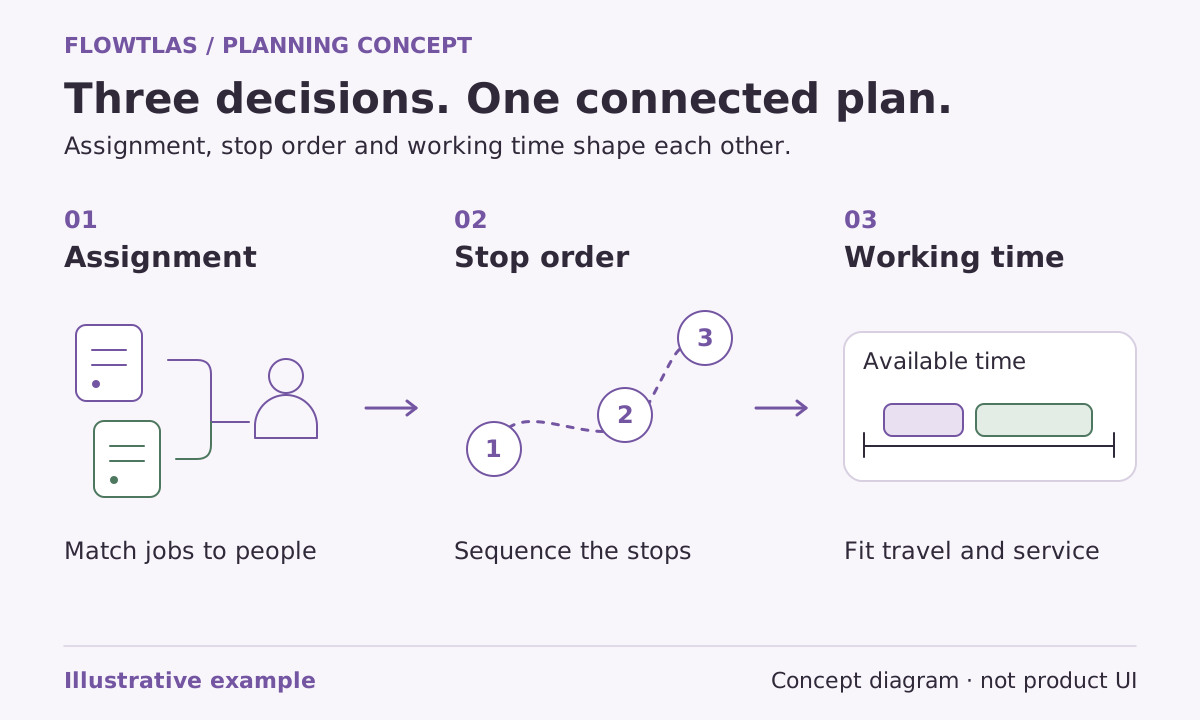
Start with the work your operation needs to complete, not a blank map. A useful planning conversation connects customer commitments, resource availability and the decisions a dispatcher must make. This overview explains the planning model, rather than presenting a click-by-click tutorial for an assumed product release.
 Flowtlas Getting started3 min read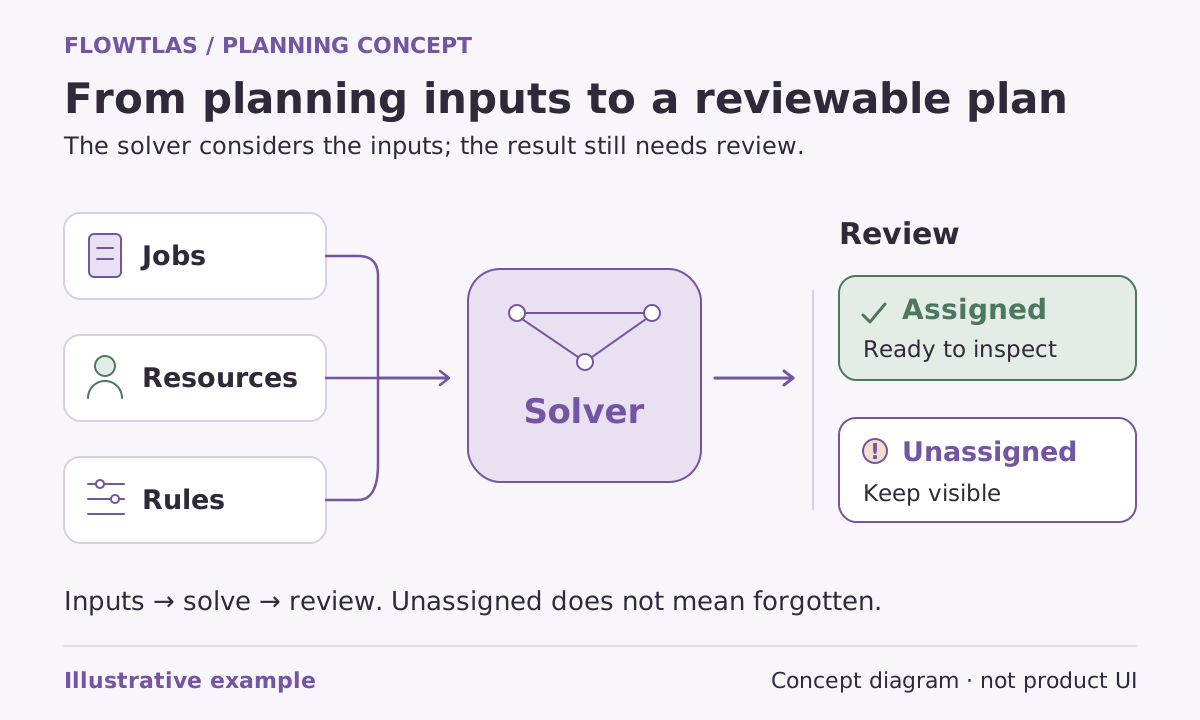
The short version
Prepare the work, define available tours, express real rules and review the result before operational use.
Begin with recognizable work
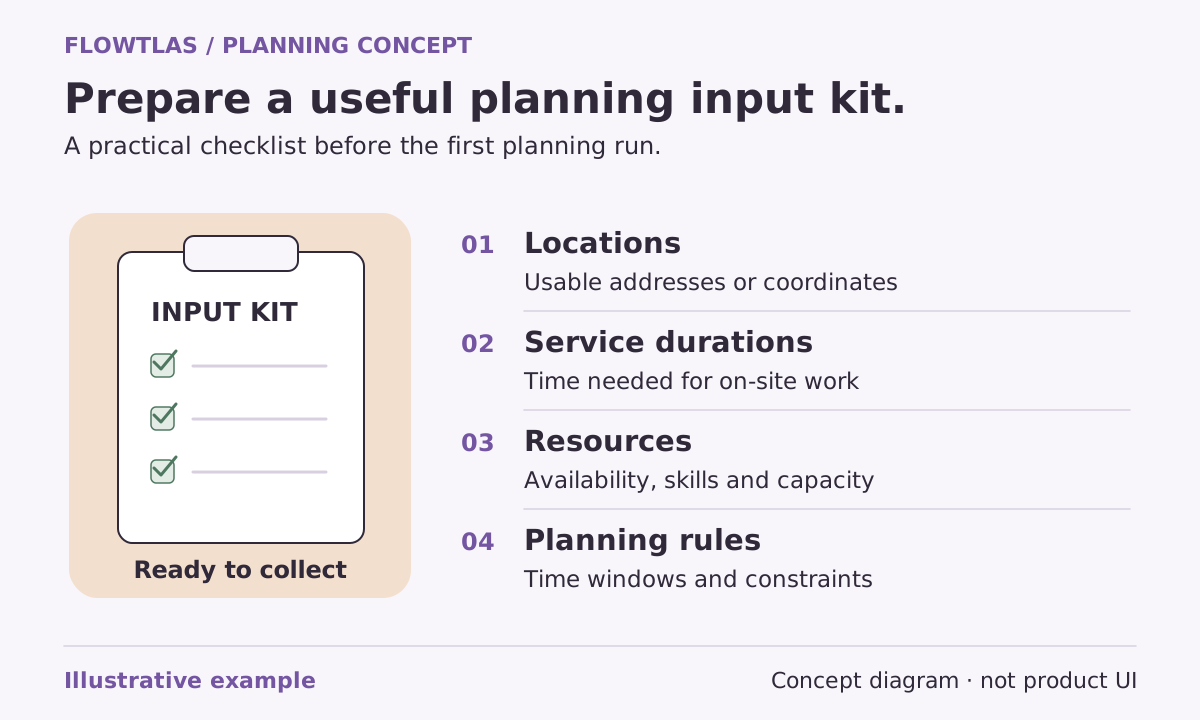
Choose a representative slice of your operation. Identify the actual service locations, the tasks performed there, their expected durations and any appointment windows. Keep enough detail for the dispatcher to recognize the problem, while using synthetic or appropriately sanitized information for a demonstration.
Flowtlas’s preparation checklist calls for stable place identifiers, verified coordinates, task identities and ordered stops where needed. A customer record is not always the service location, and a list of addresses alone does not describe the time or resources required for the work. [7]
Connect the work with available resources
The planning workflow defines tours using vehicles, assigned people, start locations and dated work periods. Relevant skills, availability and capacity must be supplied alongside the work. Stops can carry different durations and windows, while breaks and resource downtime are explicit inputs rather than assumptions about an ordinary working day. [1] [2]
Ask the people who maintain these records to verify them before the demonstration. In particular, treat a supplied skill label as planning information, not automatic verification of a qualification. Keep responsibility for credentials, safe working practices and access permissions within your established operational process.
Make the non-negotiable rules explicit
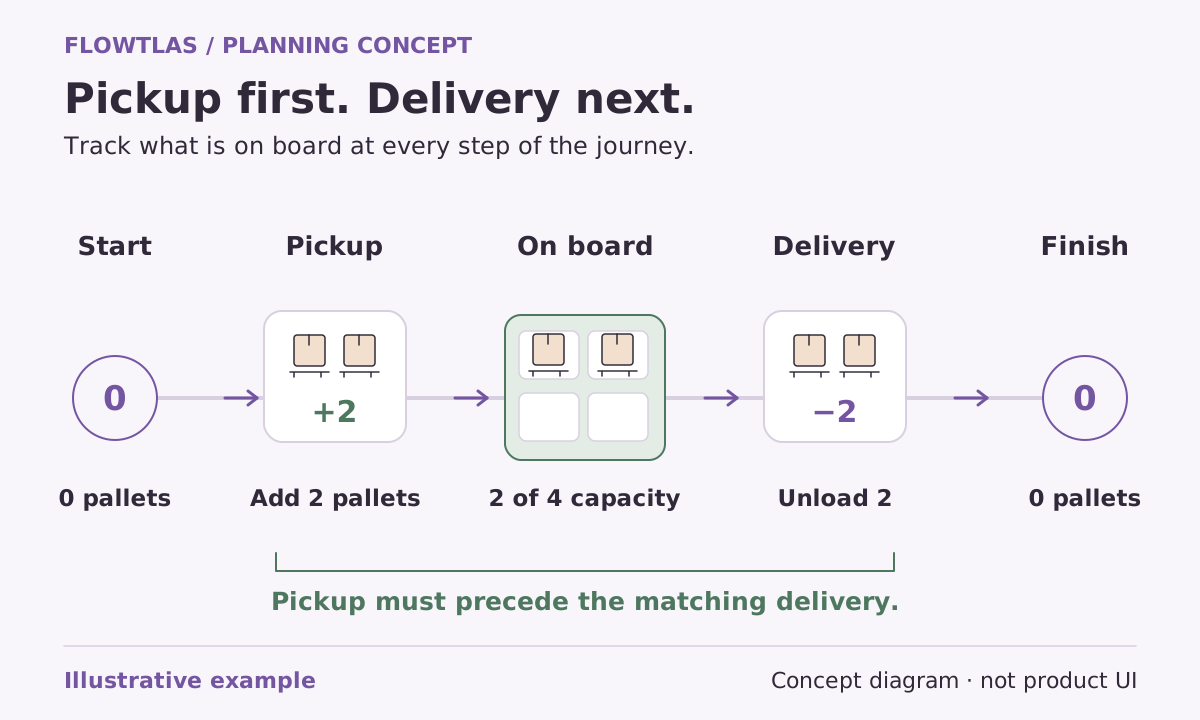
For pickup-and-delivery work, the engine supports ordered stops within a task on the same tour, with starting load and signed changes at stops. For multi-day work, a tour can contain several dated work windows. These model capabilities still depend on accurate quantities, units, locations and timing requirements supplied by the operation. [3] [4]
Agree which work is required and what an acceptable exception looks like. If a constraint is genuinely flexible, document who can authorize that flexibility. Do not ask the planning process to guess whether a customer promise or vehicle limitation can be ignored.
Search for assignments, then inspect the result
The planning engine searches eligible assignments and stop sequences using road distances and supplied constraints. It can repair unassigned work and try moves between tours within a bounded search budget. A complete result means the active work was covered, not that global optimality was proven. [1]
When generation is enabled, review assigned tours, stop order, arrival and departure estimates, driving and service totals, and unassigned work. Compare against a baseline with identical work, resources, constraints and travel assumptions before making an efficiency claim. [1] [7]
Agree what happens around the planning engine
Define who supplies the inputs, who approves the proposed plan and how changes reach the operational team. If previous plans or recorded progress matter, establish the integration responsible for that state. The preparation checklist treats prior plans, completion data and recorded state as explicit replanning inputs, not information that transfers by assumption. [7]
Use a representative scenario to confirm fit with Flowtlas. Available product functions, route generation and integrations must be confirmed for your workspace before operational reliance. The conceptual diagram explains this workflow; it is not a screenshot or evidence that a particular released interface is enabled. [1]
Take it into your next planning session
Practical checklist
- Prepare a small but representative planning scenario.
- Verify durations, windows, resource eligibility and load inputs.
- Define real constraints and an exception owner.
- Review coverage and estimates before comparing efficiency.
- Confirm enabled functions and integration responsibilities.
Product references
These Flowtlas pages explain the planning model. Confirm enabled functions and integrations for your workspace before relying on a workflow.
- [1] Route Optimization with Time, Skills & Capacity | Flowtlas
- [2] Route Planning with Availability & Work Windows | Flowtlas
- [3] Pickup & Delivery Planning with Capacity Rules | Flowtlas
- [4] Multi-Day Route Planning with Dated Work Windows | Flowtlas
- [7] Route Planning Data Checklist: What to Prepare | Flowtlas