

Practical planning notes
Route planning vs. optimization: start with the operation
A route can look convincing on a map and still fail before the first appointment. The wrong team may be assigned, an unloading task may be missing, or a customer may not be open. Understanding the difference between planning and optimization helps you ask better questions before comparing results.
 Flowtlas Planning basics4 min read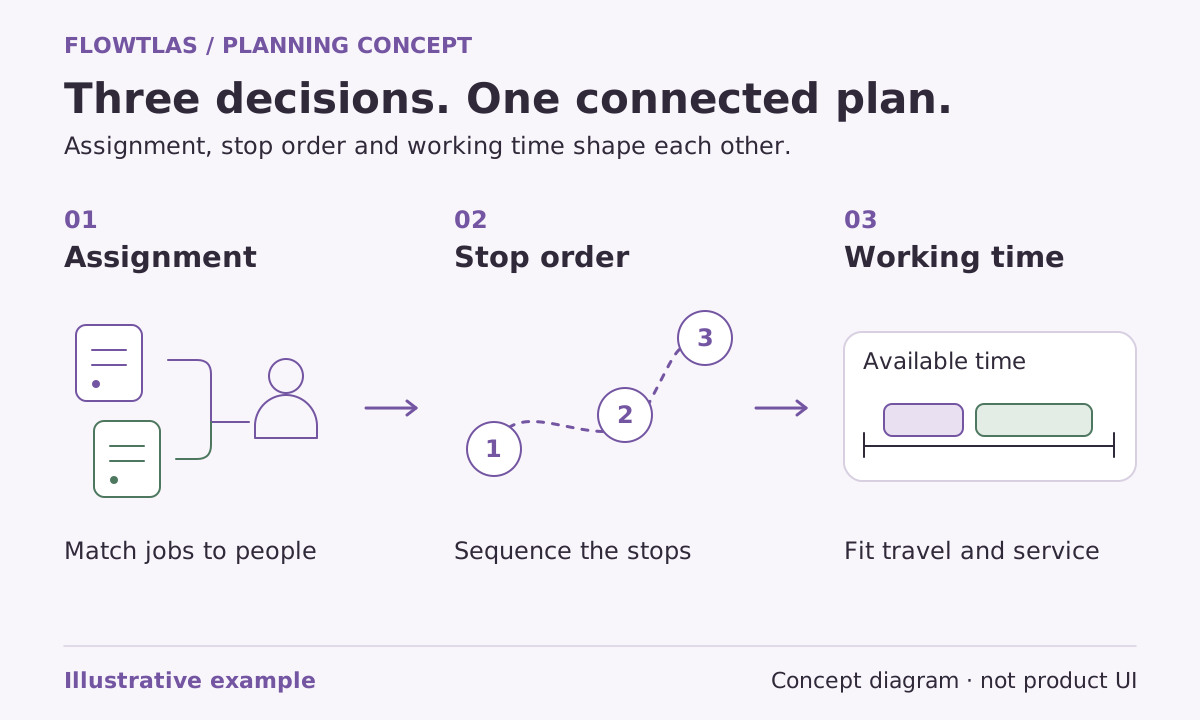
The short version
Define what an acceptable working day looks like before asking how to improve it.
Planning defines the problem; optimization searches for a better answer
Think of route planning as the wider operational process: deciding which work belongs in the planning horizon, which resources are available, what promises must be kept and who will approve the result. Optimization is a method within that process. It explores assignments and sequences against the information and rules supplied.
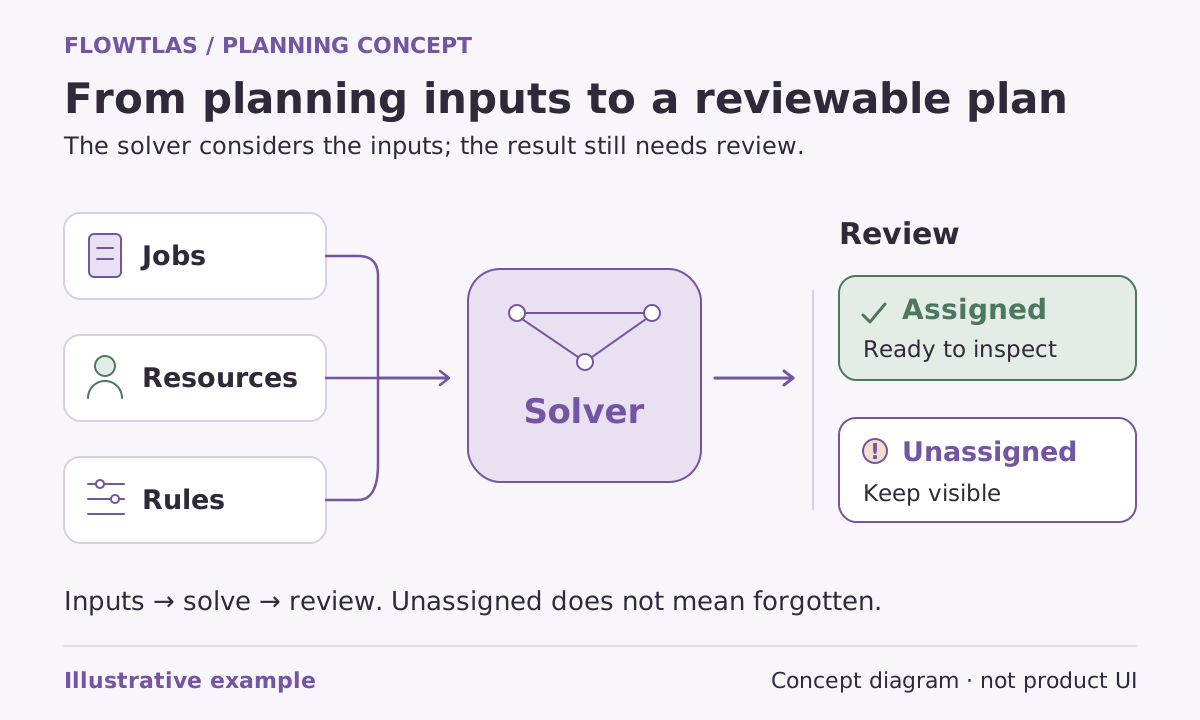
In Flowtlas’s planning engine, optimization involves both assigning work to eligible tours and ordering stops. It considers supplied durations, working periods, road distances and resource rules. This is not just finding a shorter loop for a single vehicle with an already fixed list of destinations. [1]
Describe work, not just addresses
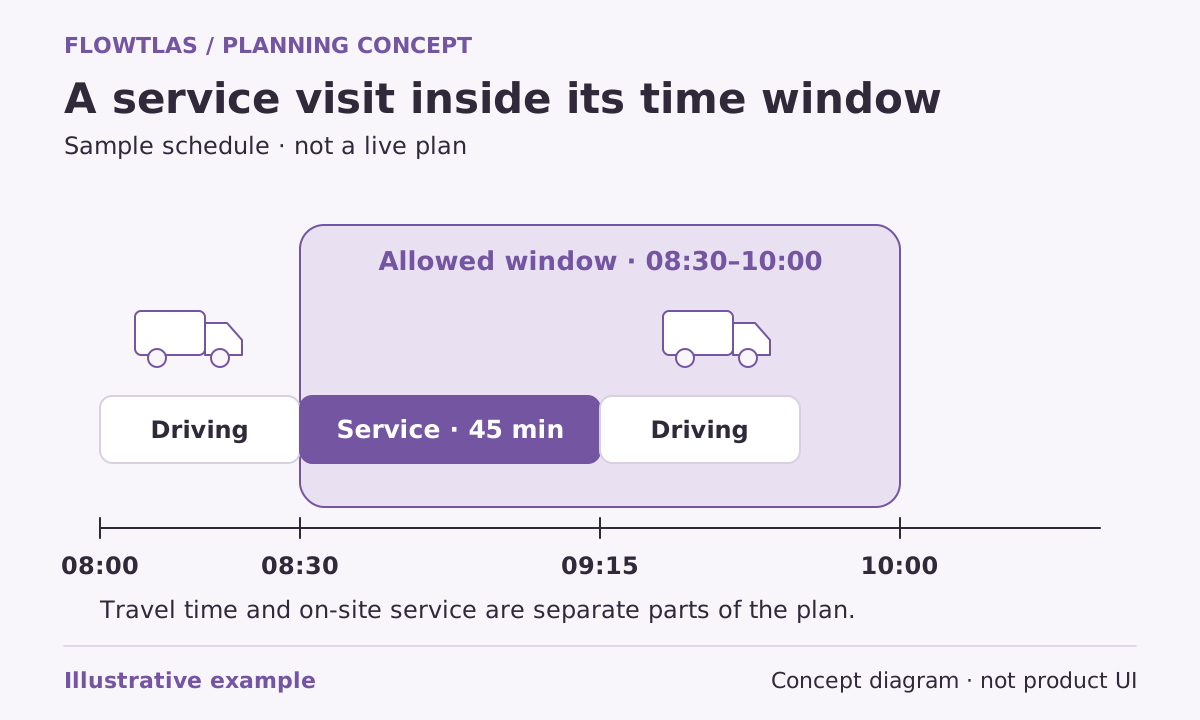
An address tells a planner where to go, but not what happens there. Separate customer identity from the actual service location. Describe the work at the stop, how long it should take and when access is possible. Then identify any resource requirement that makes a nearby vehicle unsuitable.
The Flowtlas data checklist separates places, tasks, people, vehicles, tours and planning policy. It also calls for starting load and signed load changes where relevant. That separation makes it easier to trace a questionable result back to the input responsible, rather than treating the route as an unexplained answer. [7]
| Planning question | Information to settle |
|---|---|
| What needs doing? | Task identity, service location and duration |
| Who can do it? | Available tours and supplied eligibility requirements |
| When can it happen? | Visit windows, work periods and breaks |
| What counts as acceptable? | Required work, genuine constraints and review criteria |
A nearby van is not always the right van
Consider a fictional maintenance operation with a general service team and a specialist team. A specialist appointment sits beside several routine inspections. Assigning every nearby visit to the specialist might look tidy geographically, yet leave too little time for work only that team can perform. Sending the general team to some inspections may be the more useful choice.
This example is a planning decision, not a calculated route or customer outcome. Before evaluating it, confirm the specialist requirement, both teams’ availability and the expected time on site. Do not remove the requirement simply because another assignment appears more convenient.
Read coverage before reading distance
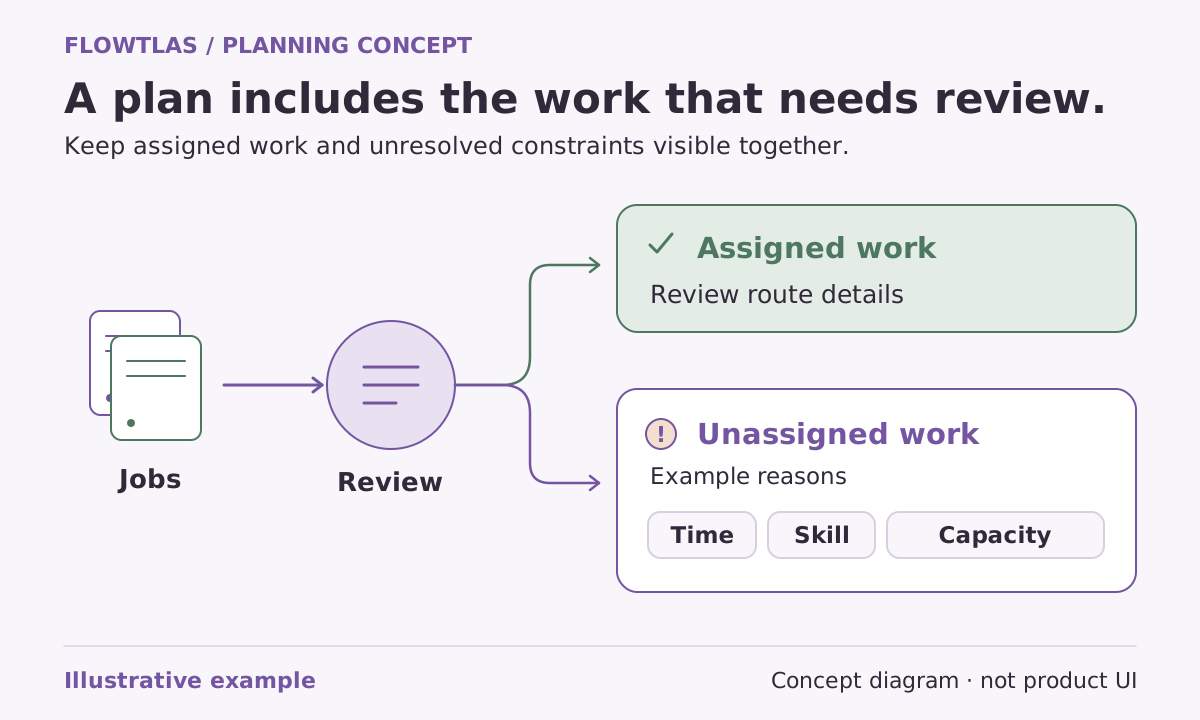
Start a review by asking whether the intended work is covered. Then inspect the assigned tours, stop order, arrival and departure estimates, driving and service totals, and any unassigned work. Flowtlas’s engine uses a bounded search that can repair assignments and try moves between tours. Complete coverage does not establish mathematical optimality. [1]
Keep input quality and search quality separate. A result based on an omitted service duration can look efficient for the wrong reason. Correcting the duration may make the route longer or leave work unassigned, while making the planning exercise more honest and operationally useful.
Compare the same operation, not just two totals
Use the same work, resources, constraints and travel assumptions when comparing a proposed plan with your baseline. Record the search budget, planning engine version, runtime and unassigned work. A savings claim needs a measured comparison; it cannot be inferred from a polished map or a complete status. [7]
Agree the decision you want the comparison to support. You might be checking whether an appointment promise is realistic or whether a different shift pattern deserves a trial. Keep those questions visible in the review. Before relying on generation, confirm which Flowtlas functions and integrations are available for your workspace. [1]
Take it into your next planning session
Practical checklist
- Confirm the service location and work duration for every task.
- Keep real eligibility and appointment requirements intact.
- Review coverage and exceptions before distance.
- Compare identical inputs and document any deliberate changes.
Product references
These Flowtlas pages explain the planning model. Confirm enabled functions and integrations for your workspace before relying on a workflow.