

Practical planning notes
Time windows and service time: make room for the actual work
The drive is only part of a visit. Finding access, completing the work and handing over to the customer all occupy the day. A useful schedule starts by distinguishing the time a customer offers from the time a team actually has available.
 Flowtlas Planning basics4 min read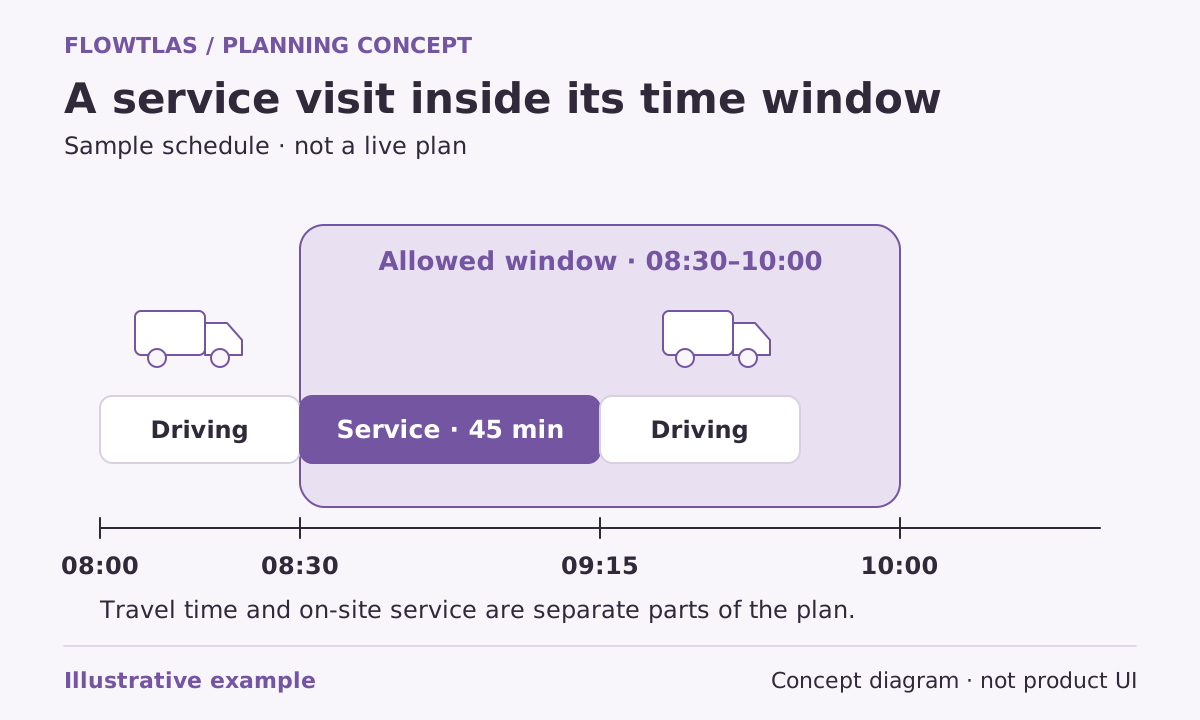
The short version
Model travel, on-site work and availability separately, then review how they fit together.
Keep the different clocks separate
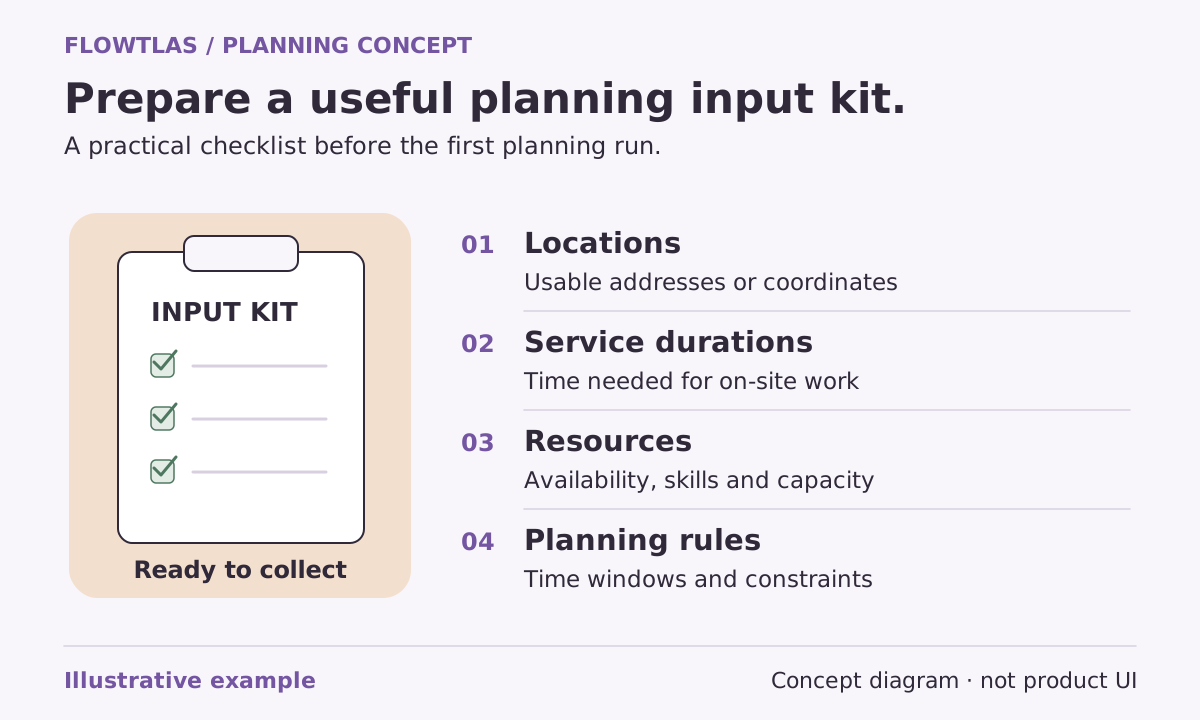
A planning horizon says which overall period you are considering. A tour’s work periods say when its resources can operate. A visit window describes a timing requirement at a stop. Service duration describes the time needed for the work itself. These inputs answer different questions; none should quietly stand in for all the others.
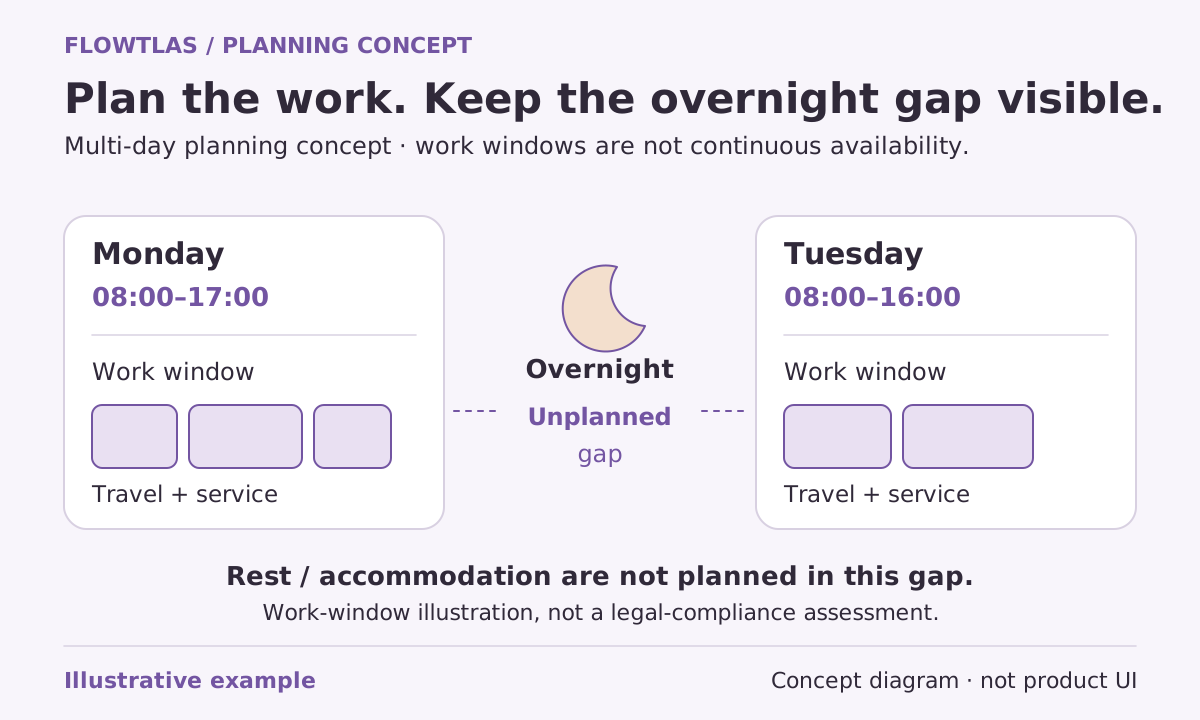
Flowtlas supports supplied stop windows, per-stop service durations, dated tour work periods, explicit breaks and resource downtime. The overall horizon does not automatically define a shift, and service must fit wholly inside a working interval. Break inputs are not a complete legal working-time compliance system. [2]
Make the service estimate recognizable to the team
Ask an experienced dispatcher and someone who performs the work to describe a normal visit. Does the estimate include setup, access procedures and closing paperwork? Are these consistently handled elsewhere? The aim is not an impressively precise number. It is a shared definition that prevents necessary work disappearing between systems.
Separate materially different job types instead of giving every address the same duration. Keep uncertain estimates visible in your preparation notes and review them against recorded experience when that information is available. Avoid compensating for missing service time by quietly extending a shift: that hides the cause of the problem.
Translate the promise before entering the window
“Morning visit” can mean different things to sales, dispatch and the customer. Establish whether a promise concerns arrival, the start of service or completing the work before access closes. Confirm how the connected workflow represents that promise. Do not assume that an informal appointment label has an unambiguous technical meaning.
For dated inputs, prepare actual dates, times and offsets rather than copying undated opening hours into every visit. Flowtlas’s published checklist specifically distinguishes visit windows from all-day availability. This matters when a resource is available but the site is not, or the site is open while the assigned people are unavailable. [7]
| Input | Question for the person who owns it |
|---|---|
| Customer window | What exactly was promised, and can it change? |
| Service duration | Which on-site activities are included? |
| Tour work period | When are the vehicle and assigned people available? |
| Break or downtime | Is the interruption explicitly represented? |
An open appointment slot is not spare capacity
Imagine a fictional inspection team with a gap between appointments. A new inspection appears to fit the gap because its address is nearby. But the team must travel there, gain access, perform the inspection and reach the next commitment. The visible gap is not automatically enough working time for that entire sequence.
Review both sides of the proposed insertion, not just the journey to the new stop. If the visit cannot fit, investigate whether the estimate is wrong, the appointment can genuinely move or a different eligible tour is available. Widening a window without customer agreement changes the promise rather than solving the scheduling problem.
Use timing pressure as a review signal
Look for visits pressed against the end of working periods and sequences that depend on optimistic service estimates. Discuss whether those assumptions reflect normal operations. Keep planned estimates distinct from observed results; a schedule is not evidence that access will be immediate or that work will finish exactly as expected.
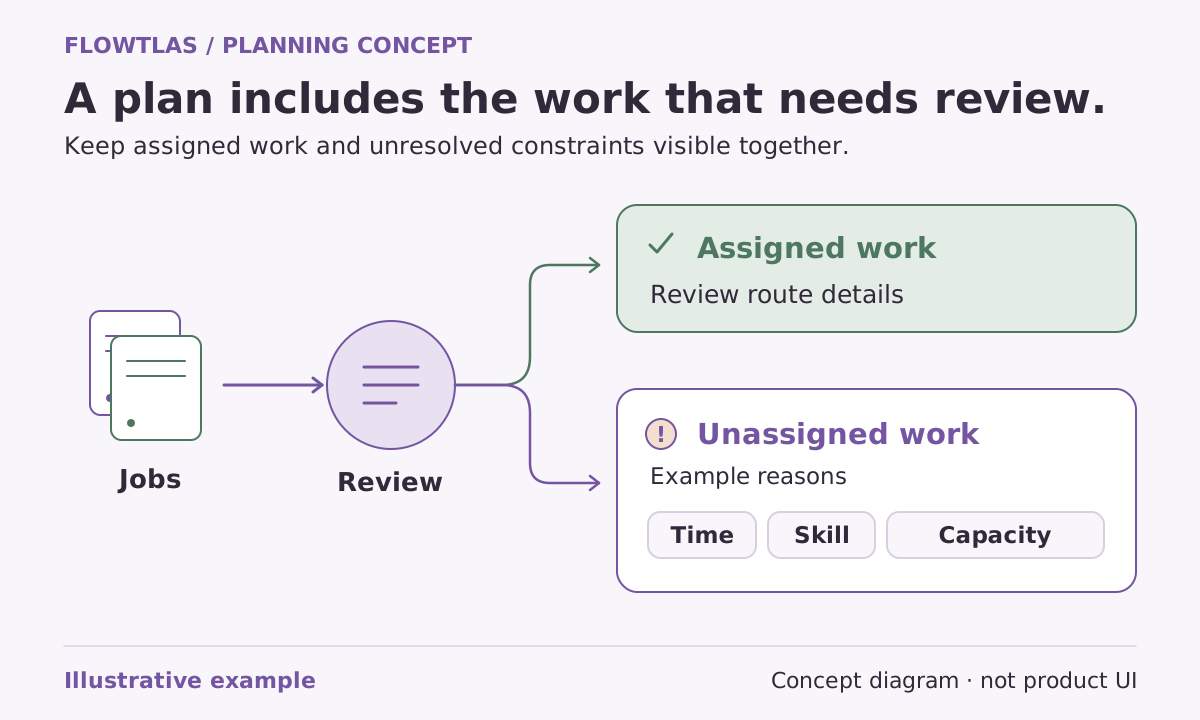
When generation is enabled, the Flowtlas workflow calls for reviewing assignments and estimates, including work left unassigned. Confirm available functions and integrations before making this part of your operational process, and keep responsibility for appointment promises and working-time obligations with the people who own them. [2]
Take it into your next planning session
Practical checklist
- Define what each customer window means.
- Include realistic work duration at every stop.
- Supply dated work periods, breaks and resource downtime.
- Check onward travel before treating a schedule gap as capacity.
Product references
These Flowtlas pages explain the planning model. Confirm enabled functions and integrations for your workspace before relying on a workflow.