

Practical planning notes
Workload balancing: choose a fair target without losing the route
A plan can cover every visit and still leave one team with a demanding day while another has room to spare. Balancing makes that difference worth examining, but “fair” needs a definition. Equal job counts are not automatically a fair allocation when availability and service durations differ.
 Flowtlas Operations4 min read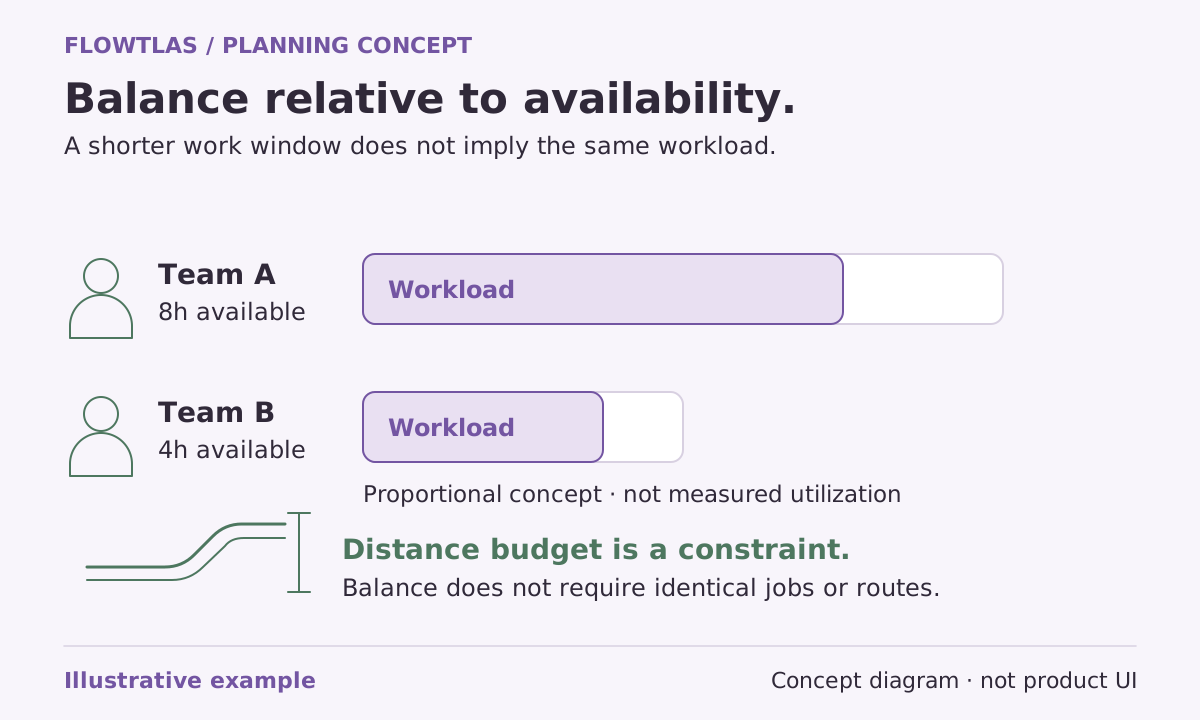
The short version
Choose a workload measure, preserve feasibility and keep the extra-distance limit fixed.
Start by checking whether the request is supported
Flowtlas’s optional workload-balancing phase is disabled by default. It currently supports static, single-stop service visits without load-changing tasks, task relations or existing/live plans. Pickup-and-delivery requests and live replanning cannot use this phase. General routing support for a task type does not imply balancing support for it. [6]
Make this scope check before discussing targets. A mixed operation may need a separate evaluation of its service-visit scenario rather than one balancing promise for every kind of work. Confirm that the connected workflow exposes the relevant settings instead of assuming planning engine support means an available control in the application. [6]
Decide whether visits or working time tells the better story
Visit balancing sets targets in proportion to each eligible vehicle’s available working time across the planning horizon. Working-time balancing instead considers driving plus service time relative to availability. Breaks and work limits affect available time. The tolerance band allows a range around the target; it does not promise identical counts or equal distances. [6]
For a fictional service team, counting visits may be understandable when jobs are broadly similar. If some visits involve lengthy work and others are brief checks, working time may be the more useful discussion. Neither measure captures every aspect of a demanding day, so keep local knowledge and the purpose of the comparison visible.
| Measure | Question it helps you discuss |
|---|---|
| Visit count relative to availability | Is the allocation reasonable for the working time available? |
| Driving plus service relative to availability | How much planned work occupies each resource’s time? |
| Additional route distance | What travel trade-off is acceptable for better balance? |
Balance follows a complete baseline
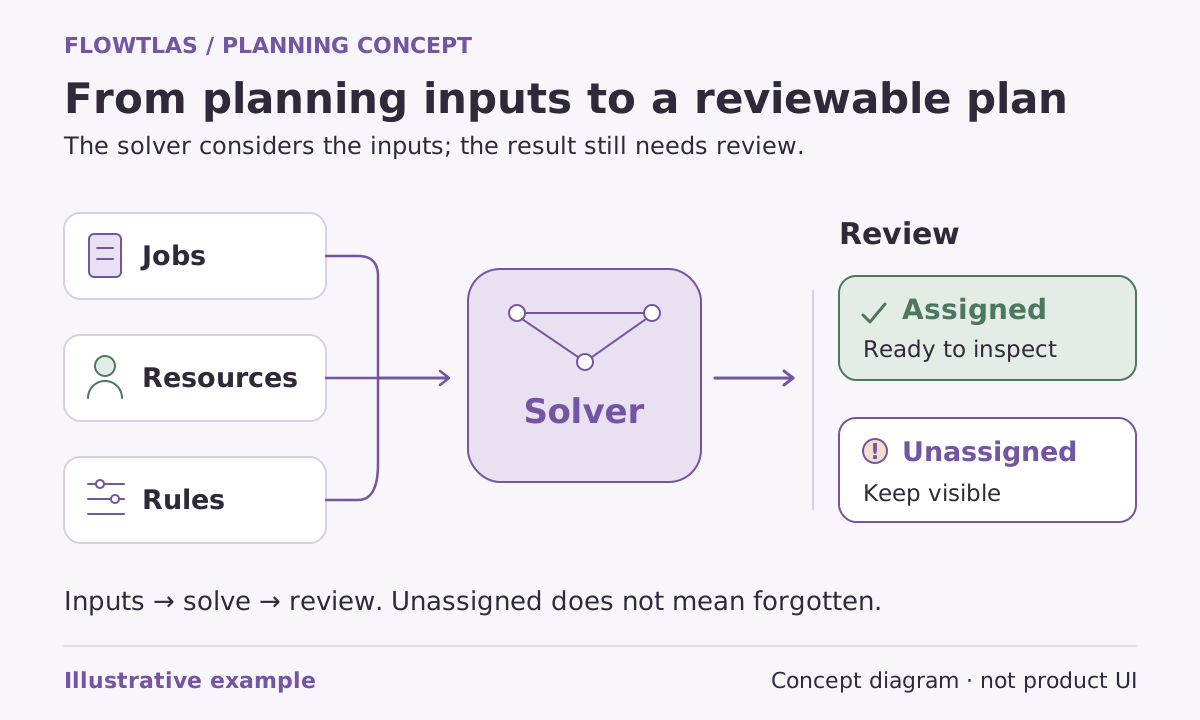
The balancing phase runs after the planning engine finds a complete plan for the active work. It seeks better balance while retaining coverage and respecting eligibility, time windows and route constraints. If the baseline is incomplete, it is retained and reported as an incomplete baseline rather than treated as a finished platform for balancing. [6]
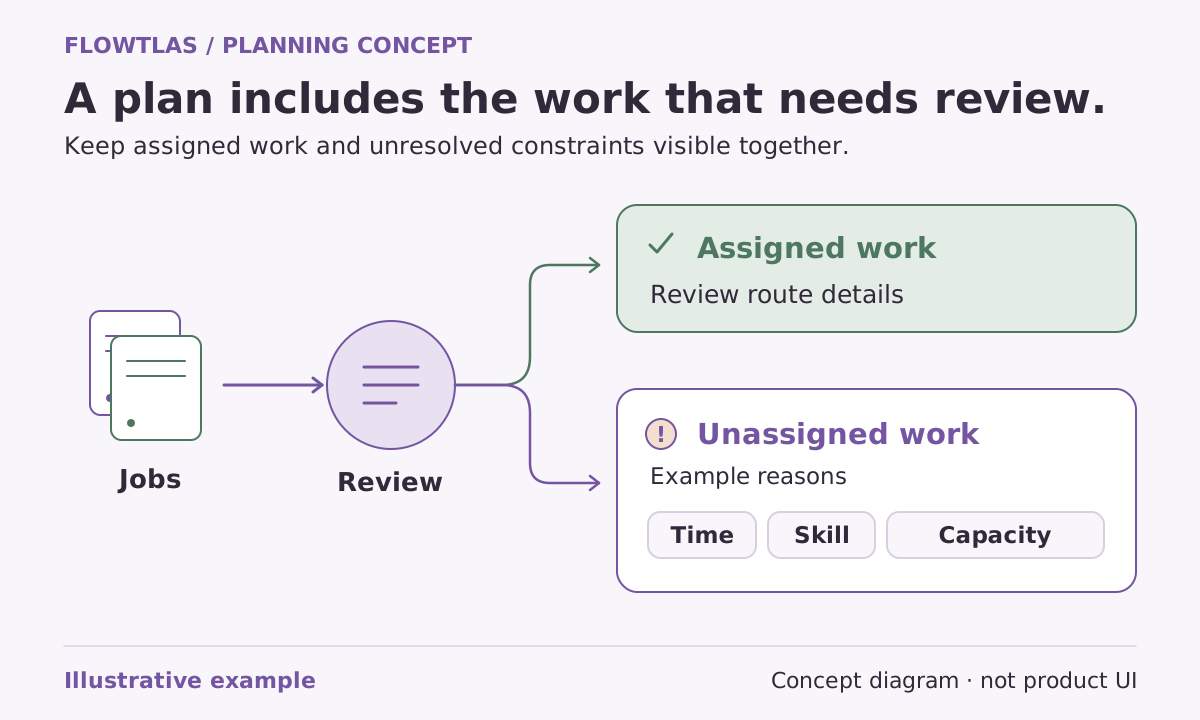
Operationally, that gives you a clear review order. Investigate uncovered work first. Only then evaluate whether the allocation should be more even. Moving a visit to an unsuitable team is not a balancing improvement, and an attractive workload chart should not distract from a missed appointment or an unresolved exception.
Keep the distance allowance anchored to the original baseline
For a normal solve, the complete plan immediately before balancing supplies the distance baseline. The configured percentage creates a fixed maximum for the entire balancing pass, including requested final endpoint journeys. The cap does not grow after each accepted move, and the planning engine does not have to spend the allowance. [6]
Choose that allowance as an explicit planning decision. Ask what travel trade-off the operation can accept, rather than increasing it until the workload display looks symmetrical. Keep the baseline distance, fixed limit and final distance together in the review so the cost of any improvement remains visible.
Distinguish improvement from reaching the target
The report includes baseline and final distance, the fixed limit, before-and-after workloads, deviation and accepted moves. It distinguishes reaching the target band, improving balance and finding no improvement. Geography, eligibility, appointment windows and the search budget can prevent a preferred allocation; no result guarantees perfect balance. [6]
Review the report with dispatchers and the teams affected. Ask whether the chosen measure describes their work and whether the travel trade-off is worthwhile. Before making balancing part of an operational routine, confirm available Flowtlas functions, supported request shapes and integrations for your workspace. [6]
Take it into your next planning session
Practical checklist
- Check the static single-stop, no-load-change request scope.
- Choose visit counts or working time deliberately.
- Resolve incomplete coverage before evaluating balance.
- Retain the fixed extra-distance cap throughout the comparison.
- Separate improved balance from reaching the target band.
Product references
These Flowtlas pages explain the planning model. Confirm enabled functions and integrations for your workspace before relying on a workflow.